
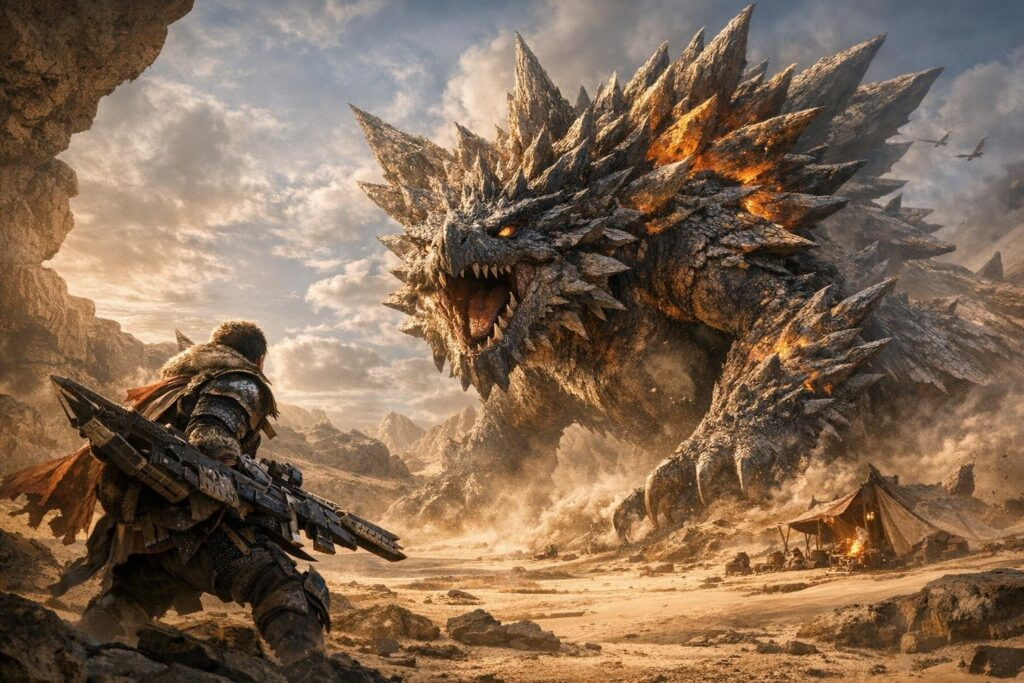
PC gamers playing Monster Hunter Wilds have been dealing with frustrating FPS drops, especially near the Support Desk in Base Camp and Grand Hub. Good news: Capcom just released patch 1.040.03.01 for Steam that fixes the infamous DLC performance bug that’s been causing headaches since launch.
What Was Causing the FPS Problems?
A Reddit user named de_Tylmarande discovered something shocking through testing: running the game without DLC gave 20-25 FPS, but with multiple DLC installed, FPS jumped above 80! The game was constantly checking DLC ownership, eating up CPU resources and tanking framerates. Players even created mods on Nexus Mods to disable this problematic feature.
Capcom confirmed the bug was related to checking unclaimed content (marked with exclamation points at the desk), not the DLC quantity itself. The fix arrived in the Steam-exclusive patch released January 27 at 6 PM PT (January 28, 2 AM UTC).
Key Performance Improvements in Patch 1.040.03.01
This performance update for Monster Hunter Wilds brings major optimizations:
- CPU/GPU optimization specifically for Steam, reducing shader load and improving texture streaming with lower VRAM consumption
- High-Res Texture Pack overhaul: now 45 GB smaller, requiring only ~31 GB download (needs ~2 GB free space)
- New CPU settings tab with additional graphics options for easier tuning
- Volumetric Fog expanded from 2 to 5 quality levels (Lowest to Highest)
- AMD driver fix for version 26.1.1+ compatibility
Community Testing Results

The patch also fixes Variable Rate Shading glitches when using upscaling. Capcom promises a larger update on February 18 (version 1.041) featuring LOD improvements for character models, which should further reduce GPU load and improve stability across all platforms. If you’re running a weaker CPU or have less than 8GB VRAM, this Monster Hunter Wilds optimization really changes the game experience dramatically.