


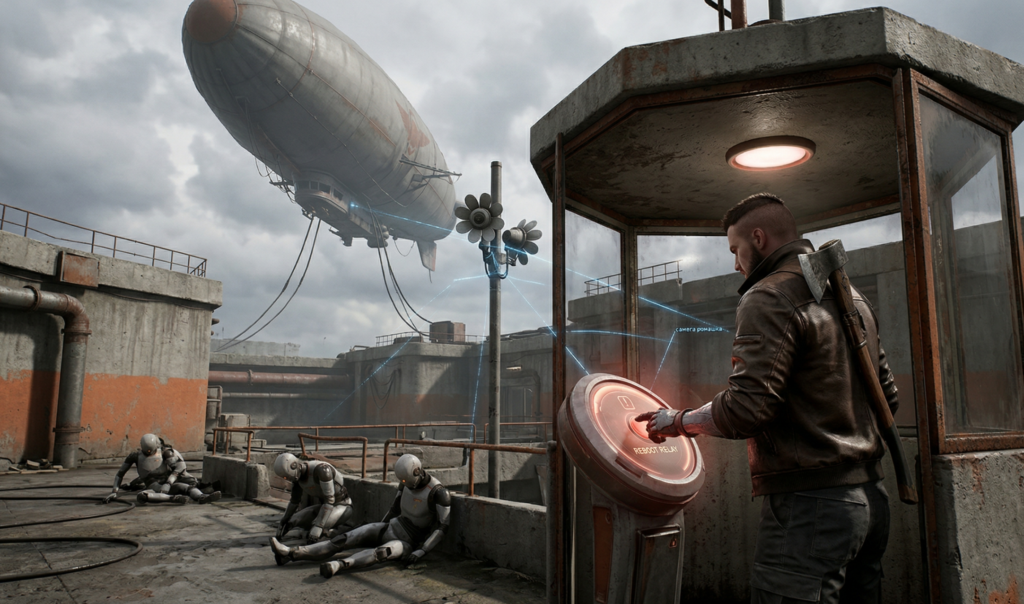
Exploring the environment in Atomic Heart often turns into an endurance test: the “daisy” cameras constantly spot Major P-3, and the bee drones endlessly repair and revive defeated enemies. Trying to kill them all is a waste of time and ammo.
In this guide, we’ll explore the only reliable way to safely explore locations and collect loot—completely disabling bots by rebooting the “Griff” system.
Step-by-Step Guide: How to Lower the Grif and Turn Off the Robots
To disable all enemies in the area, you need to reach the control terminal (Volana) and unlock access to a special booth with a repeater.
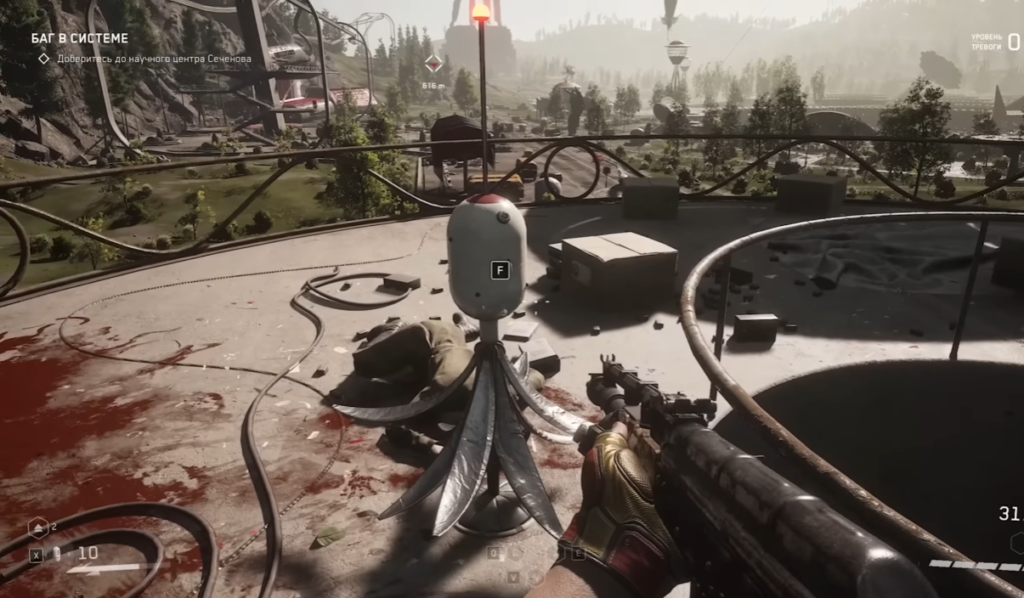
Step 1. Locate the control terminal Turn on the scanner (hold down the Alt key). Look for the blue connection lines extending from the surveillance cameras (“daisies”). Follow these lines with your eyes—they always converge on the main control terminal (Volan).
Step 2. Hack the camera and open the booth. Approach the terminal, press the interaction button, and connect to the camera system.
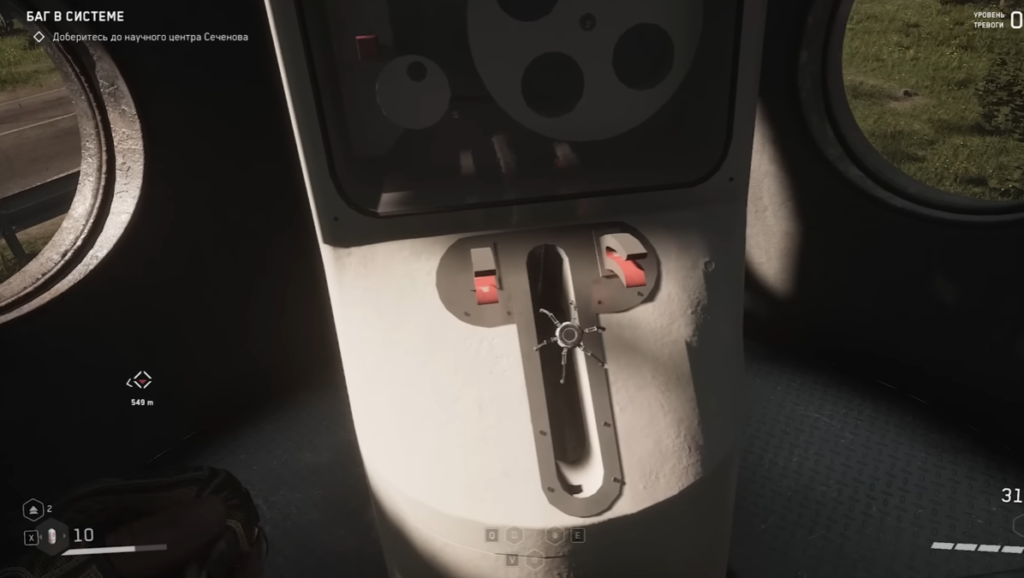
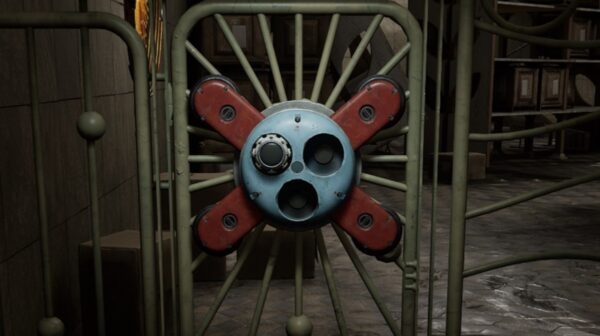
- Switch between cameras until you find the one whose lens is pointed at the closed cylindrical box (the Griff control module).
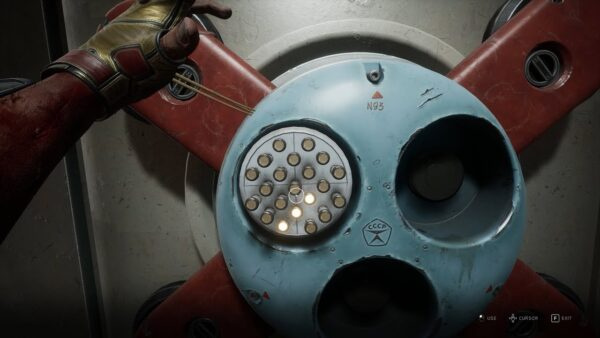
- Point the camera at the booth and press the interaction button (a prompt will appear) to remotely open its doors.
Step 3. Run to the repeater As soon as the booth doors open, exit the terminal and run straight to it.
- Important: Ignore all the robots along the way. Don’t engage them in combat, as they respawn endlessly. Your goal is simply to make it to the finish line.
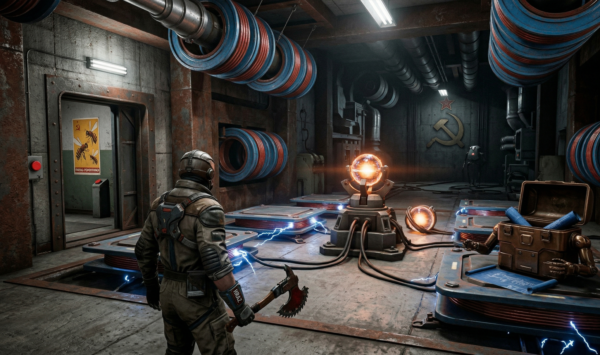
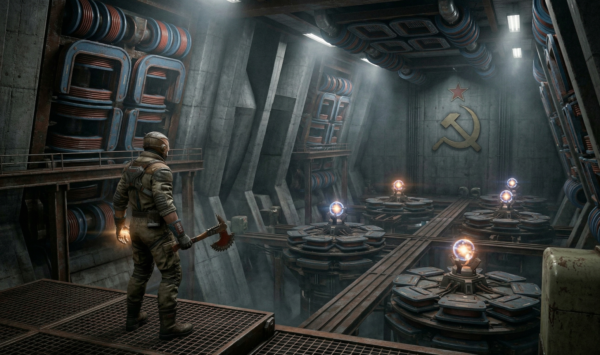
Step 4. Reboot the system Run inside the booth. In the center, you’ll see a panel with a “Reboot Repeater” button. Press it. This will trigger a script: a massive wind turbine will start spinning rapidly, causing an overload and an explosion. The “Griff” hot air balloon will lose power and descend to the ground.
What happens after the Griffin is reset?
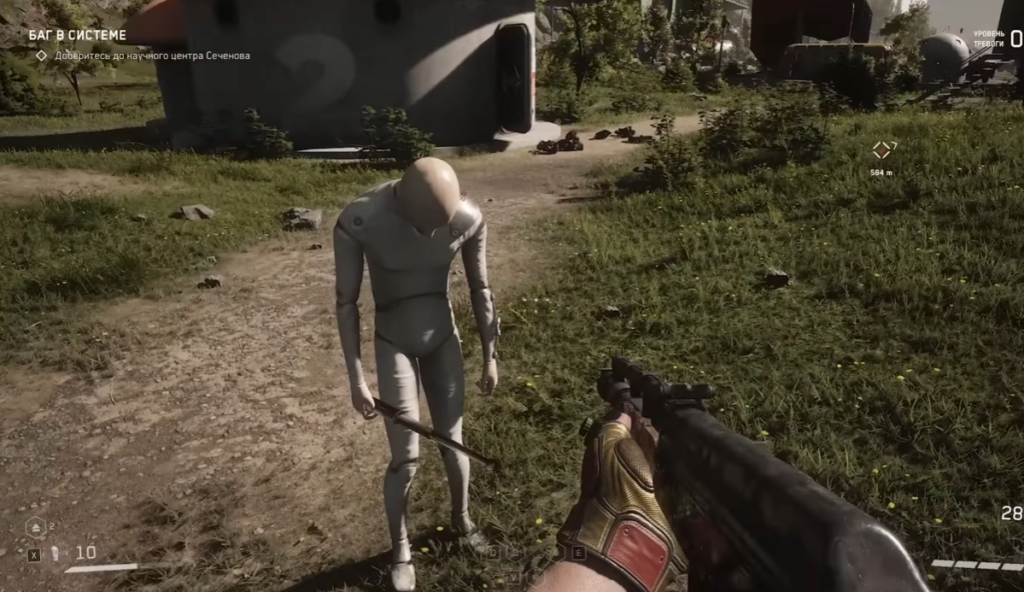
As soon as the Griffin falls, the rules of the game will change at the location:
- All the robots go into sleep mode. They literally fall to the ground and shut down.
- The “daisy” cameras stop working. You can move around safely.
- Free loot: You now have the opportunity to calmly loot all the chests, houses, and boxes in the area.
Important Details and Mechanics (Don’t Make These Mistakes!)
- Don’t attack sleeping robots! If you attack a robot that’s offline, it will wake up instantly and attack you. Leave them alone and focus on gathering resources.
- Repair timer: The shutdown doesn’t last forever. Bee robots don’t shut down completely—they’ll immediately fly off to repair the blown-up wind turbine.
- How much time do you have? It takes the bees about 10 minutes of real time to fully repair the Griffin. That’s more than enough time to clear the area of loot.
- How do I repeat the shutdown? If 10 minutes have passed, the Griffin has taken off again, and the robots have activated—don’t panic. You no longer need to search for cameras or hack doors. The door to the repeater booth will remain open permanently. Just run back inside, press the reset button, and you’ll get another 10 minutes of peace.






































Comments (0)
Sign In / Sign Up
Sign in to leave a comment.
No comments yet
Be the first one to share your thoughts!